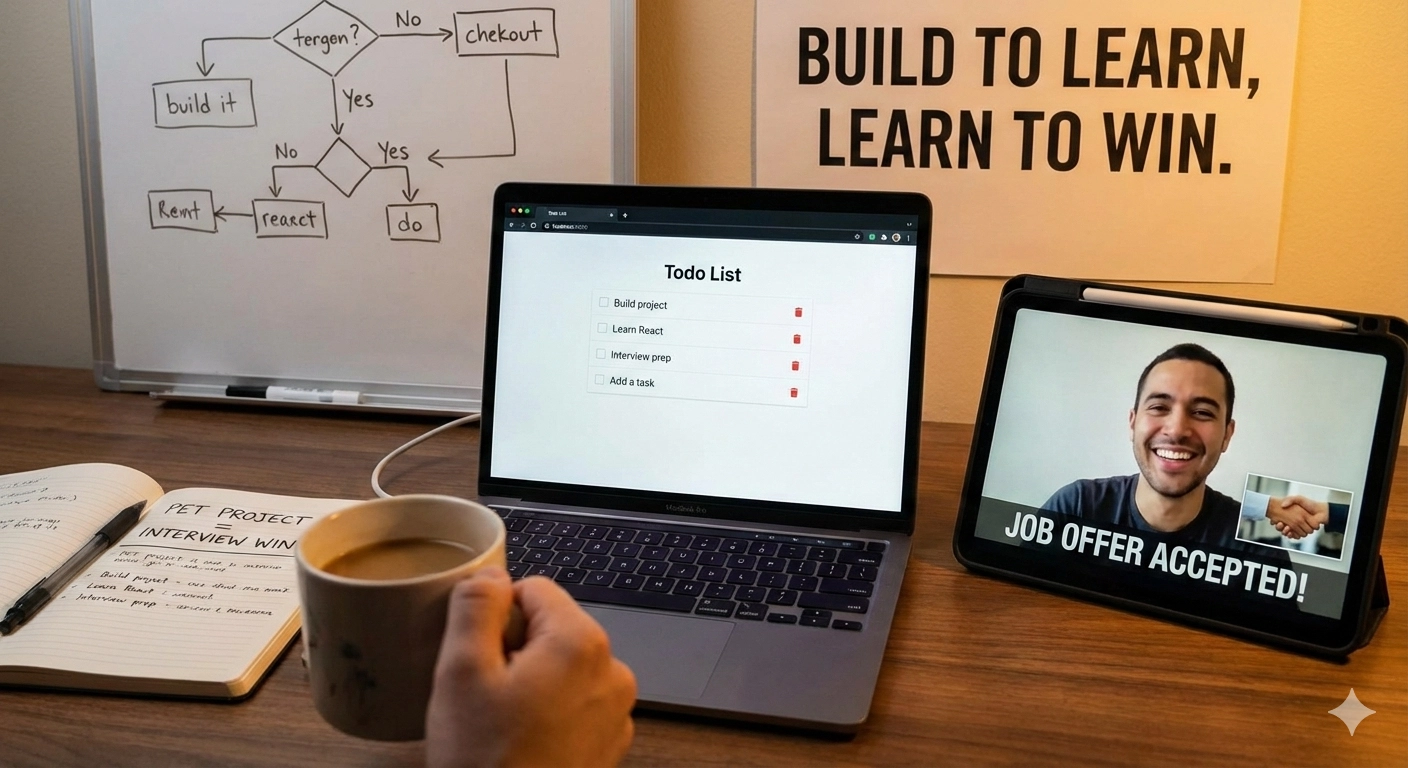
When people hear “pet project,” they often imagine a flashy app with lots of features—or worse, something that must be startup-level to be valuable. In reality, a small, well-thought-out Todo app is more than enough to prepare you for software engineering interviews.
This article explains why that’s the case, and what you actually learn from building one—especially as a junior to mid-level mobile or software engineer.
1. What Is a Pet Project (and Why a Todo App Is Enough)?
A pet project is a self-initiated project you build outside of work, mainly to learn and experiment.
A Todo app might sound trivial, but that’s exactly why it works:
- The problem space is simple
- The complexity comes from engineering decisions, not features
- You can focus on how you build, not what you build
From an interview perspective, this is ideal. Interviewers are rarely impressed by flashy UI—they care about how you think, how you structure code, and how you handle real-world constraints.
2. Why Building a Pet Project Is Psychologically Hard
Many engineers—especially early in their careers—struggle to start pet projects. The reason is often not technical, but psychological.
The common mindset
“If it doesn’t pay me, it’s not worth my time.”
This comes from equating:
- Time spent = money earned
Under this mindset:
- Learning without immediate reward feels wasteful
- Pet projects feel like unpaid labor
- You wait for “perfect motivation” that never comes
Why this thinking blocks growth
Interviews don’t reward time spent at work. They reward:
- Depth of understanding
- Ability to explain trade-offs
- Experience with real engineering problems
Pet projects are not unpaid work—they’re career investments. They compound. A single well-built app can support multiple interviews over years.
3. What Features Your Todo App Should Intentionally Include
The goal is not to build a fancy app. The goal is to simulate real-world engineering problems in a controlled scope.
Offline Support
Offline-first design forces you to think beyond happy paths.
You learn:
- Local storage concepts
- ORMs and persistence layers
- When and how data should be cached
Interviewers love asking:
“What happens if the user has no internet?”
With this app, you’ll actually know the answer.
Background Synchronisation
Syncing is deceptively hard.
By implementing background sync, you learn:
- How background jobs work (e.g., WorkManager on Android)
- Task sequencing
- Retry strategies and failure handling
This directly maps to interview discussions around:
- Reliability
- Resilience
- System behavior under poor conditions
Data Modeling
Even a Todo app has multiple representations of data.
You’ll naturally encounter:
- Remote models (API responses)
- Domain models (business logic)
- Mapping between them
This separation is a huge signal in interviews—it shows you understand maintainability and scalability.
Conflict Resolution
What happens if:
- A todo is edited offline
- The same todo is updated on another device?
You’ll need strategies like:
- Last Write Wins (LWW)
- Backend-driven conflict resolution
This demonstrates real-world thinking, not tutorial knowledge.
Security Concerns
Security doesn’t mean “bank-level encryption.”
For a pet project, it means:
- Knowing what should be protected
- Using tools like encrypted storage, keystore, or keychain
Even basic awareness makes you stand out in interviews.
4. Understanding Layered Architecture Through Practice
Reading about clean architecture is one thing. Feeling the pain without it is another.
A Todo app naturally teaches layering:
Presentation Layer
- Views handle rendering
- ViewModels manage UI state and logic
Domain Layer
- Use cases encapsulate business rules
- Logic becomes reusable and testable
Data Layer
- Repositories abstract data sources
- A single source of truth emerges naturally
This matters more than memorizing diagrams—because you can explain why each layer exists.
5. Learning Data Flow the Right Way
Data flow concepts often feel abstract until something breaks.
In a Todo app, you’ll experience:
- Coroutines and Flow (or Rx streams)
- State propagation
- Unidirectional data flow
Interviews often test this indirectly, through questions about state, consistency, and updates. Practical experience beats theory every time.
6. UI Features That Teach Real Skills
UI work is often underestimated, but it exposes many real-world problems.
A simple Todo list can teach:
- Pagination (handling large lists)
- Swipe-to-refresh vs forced refresh
- Loading, empty, and error states
These scenarios frequently appear in interviews as:
“How would you design the UI behavior when data is loading or fails?”
You won’t need to guess—you’ve already built it.
7. Why This One Small App Is Enough
You don’t need five projects. You need one thoughtful project.
A well-built Todo app gives you:
- Concrete stories to tell in interviews
- Confidence when discussing architecture and trade-offs
- Proof that you understand real engineering problems
Start small. Build intentionally. Iterate when you learn something new.
That’s how a “simple” pet project turns into one of the strongest tools in your interview preparation.
8. Resources
Here are some resources for you to kick-start
- Offline-first-todo-app: https://github.com/sannysinghs/offline-first-todo-app